rss
Inside Drupal CMS 2.0: Q&A with Product Owner Pam Barone
Drupal CMS 2.0 launched January 28. We asked Pam Barone—CTO of Technocrat and Product Owner of Drupal CMS—to talk about what's new and what she's most excited for people to try.
What makes Drupal CMS 2.0 different from version 1.0?
Drupal CMS 1.0 was really a proof of concept, to show that we could create a version of Drupal that bundled all of the best practices that many sites were using, and that the community would come together to make it happen in a short amount of time. We did prove the concept, but the 1.0 release did not represent any major innovations, because we were mostly just packaging functionality and tools that we already had and were familiar with. That is not to downplay the accomplishment at all, because it was a huge leap forward for the project, and it provided the foundation for the next steps.
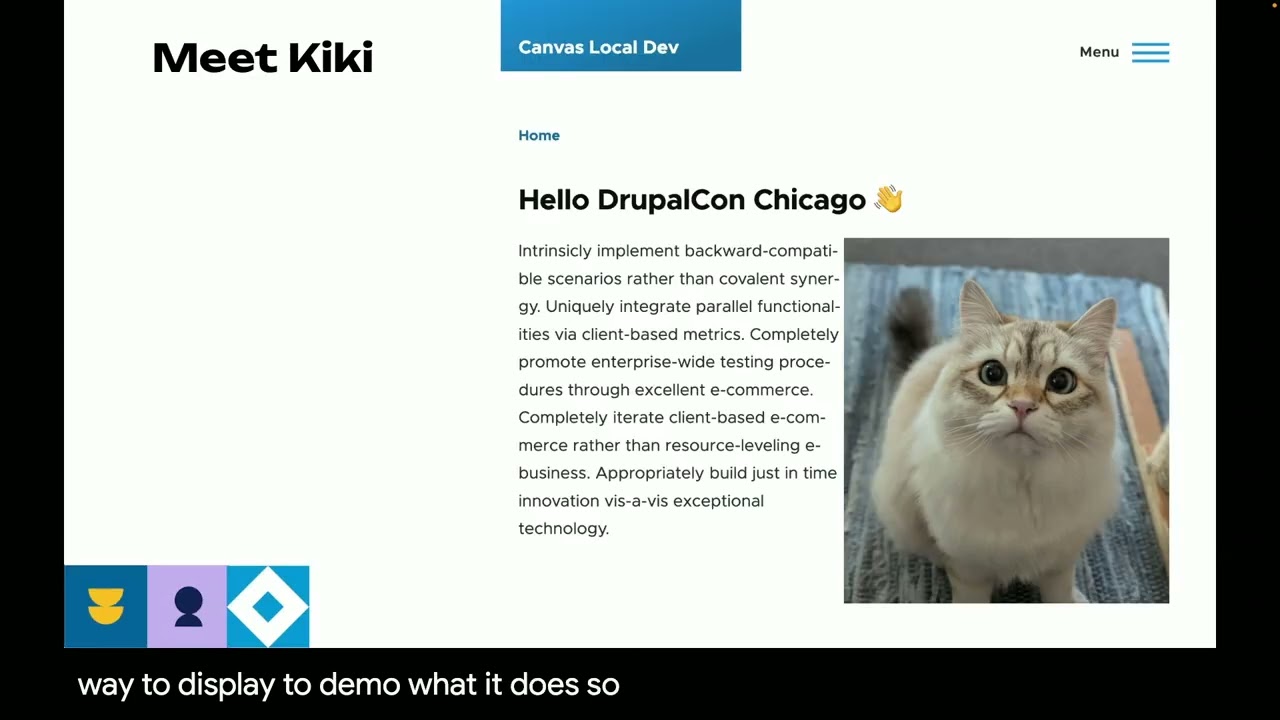
With 2.0, we are introducing two big new concepts: Drupal Canvas and site templates. These represent another huge leap for the project, each in different ways, as we continue with the strategy to empower marketers to create exceptional digital experiences without relying on developers.
What are you personally most excited about for people to try in 2.0?
Drupal Canvas! I am so excited about Canvas and can’t wait to get it into the hands of our end users. There were times during the development of 2.0 when I was working in the Canvas editor and I thought, ‘Wow, I’m actually having fun!’ I can’t say I remember thinking that with previous Drupal page building tools.
And it’s not just about end users; one of the goals of 2.0 is to introduce Canvas within the community and showcase its potential. It’s a paradigm shift, and this level of change is always challenging, but after trying it out and getting familiar with the concepts, I think it’ll be clear that it’s worth it.
Site templates are a big part of this release. Can you explain what they are and why they matter?
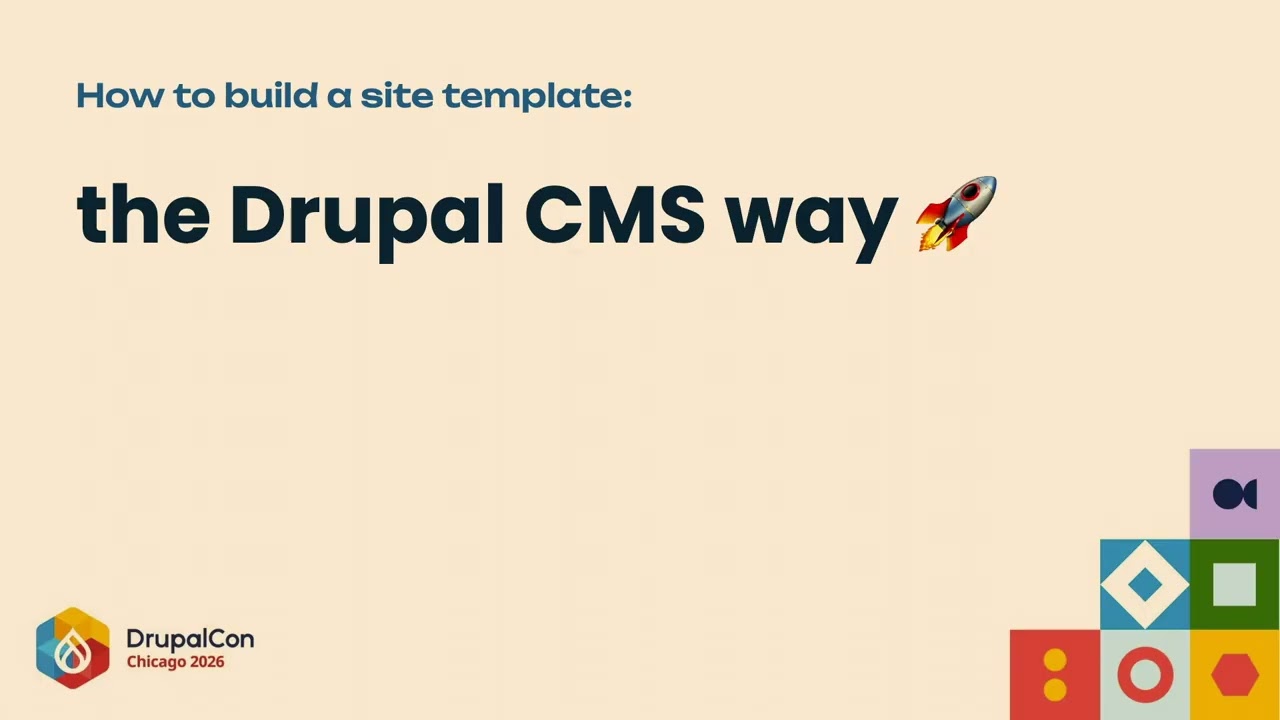
Site templates are near-feature-complete starting points for Drupal sites based on specific use cases. They provide a content model, some example content, a polished look and feel, as well as the functionality you would expect based on the use case. The first site template – Byte, which is included in Drupal CMS 2.0 – is for a SaaS-based product marketing site. It includes all of the baseline functionality from 1.0, plus Canvas-powered landing pages, a blog, a newsletter signup and contact form, and a new theme with a dark style.
During the development of 1.0, we realized that we couldn’t build something that was both generic and useful. Either we would have to build something simple that would be widely applicable, or we would be making a lot of assumptions about the site’s content model and functionality, and providing things that many users wouldn't want.
We decided that in order to really make it easy to launch sites, we had to provide many different starting points, across many use cases. By identifying the use case and being opinionated about how to solve it, site templates can start you off with 95 percent of what you need to launch.
Of course, that assumes there is a site template for your use case – which means we’re going to need a lot of them. We’re currently working with a group of Drupal agencies who have signed up for a pilot to develop new site templates for the launch of the site template Marketplace.
Let's talk about Canvas—how will this change the way marketers can build with Drupal?
The most obvious thing is just that it provides marketers with a modern, intuitive visual page builder of the kind that any competitive platform needs to have. Up until now, adopting Drupal meant getting its many benefits but compromising on the user experience, because the page building tools were clunky. With Canvas, that compromise is gone. We can provide the experience that marketers have come to expect.
In some ways it feels like we are playing catch-up, especially since it’s still early (the first release was in December) and there are some big gaps. But it also feels like a new era for Drupal, and the enthusiasm and pace of adoption so far is really encouraging. So I think we don’t really even know yet what changes will come, because when the community is presented with a new way to build cool things, the possibilities are endless.
You've mentioned making integrations easier with recipes. What does that look like in practice?
One of the benefits of using Drupal is that it can be integrated with pretty much anything, and all of the common integrations have modules to make it easier. But they always require some configuration, and it can be tricky to figure out. With recipes, we can add default configuration, and we can prompt for the necessary details, so you don’t have to go hunting around for where to add them.
Drupal CMS 1.0 included two integrations that use the recipe prompt already, for Google Analytics and the AI Assistant. They’re pretty simple in that you are just adding an ID or an API key, but they still are a big improvement over the manual setup.
For 2.0, with site templates, we have the opportunity to include additional integrations that are relevant to the use case and wanted to tackle something a bit more complicated. Byte ships with a newsletter signup that uses a webform out of the box, and has an optional “Recommended add-on” to integrate with Mailchimp. The Mailchimp module already did most of the heavy lifting, but we worked with the maintainers to develop a recipe that configures the module (and its submodules), and once you authenticate your site with Mailchimp, will automatically create signup blocks for each of your audiences. From there, you can add them to any page via the Canvas editor.
We think that easy integrations are going to be really critical to making site templates attractive as an offering, so we are planning to continue working on that.
In your recent presentations, you've talked about "making easy things less hard" versus "making easy things easy." Where does 2.0 fall on that spectrum?
The initial site templates are very intentionally on the “making easy things less hard” side. Not only is it a totally new concept, but they are leveraging Canvas, which is also new. So we thought that the best chance for success would be to keep it simple and try to really nail the use cases. Once we’ve all built a few, and we’ve gotten feedback from real users, we can move into the more complex sites where Drupal thrives.
Drupal CMS 2.0 is available now.
Try it now: drupal.org/drupal-cms/trial
Download: drupal.org/download
Learn more: drupal.org/drupal-cms
Twenty-five years in. Still building.